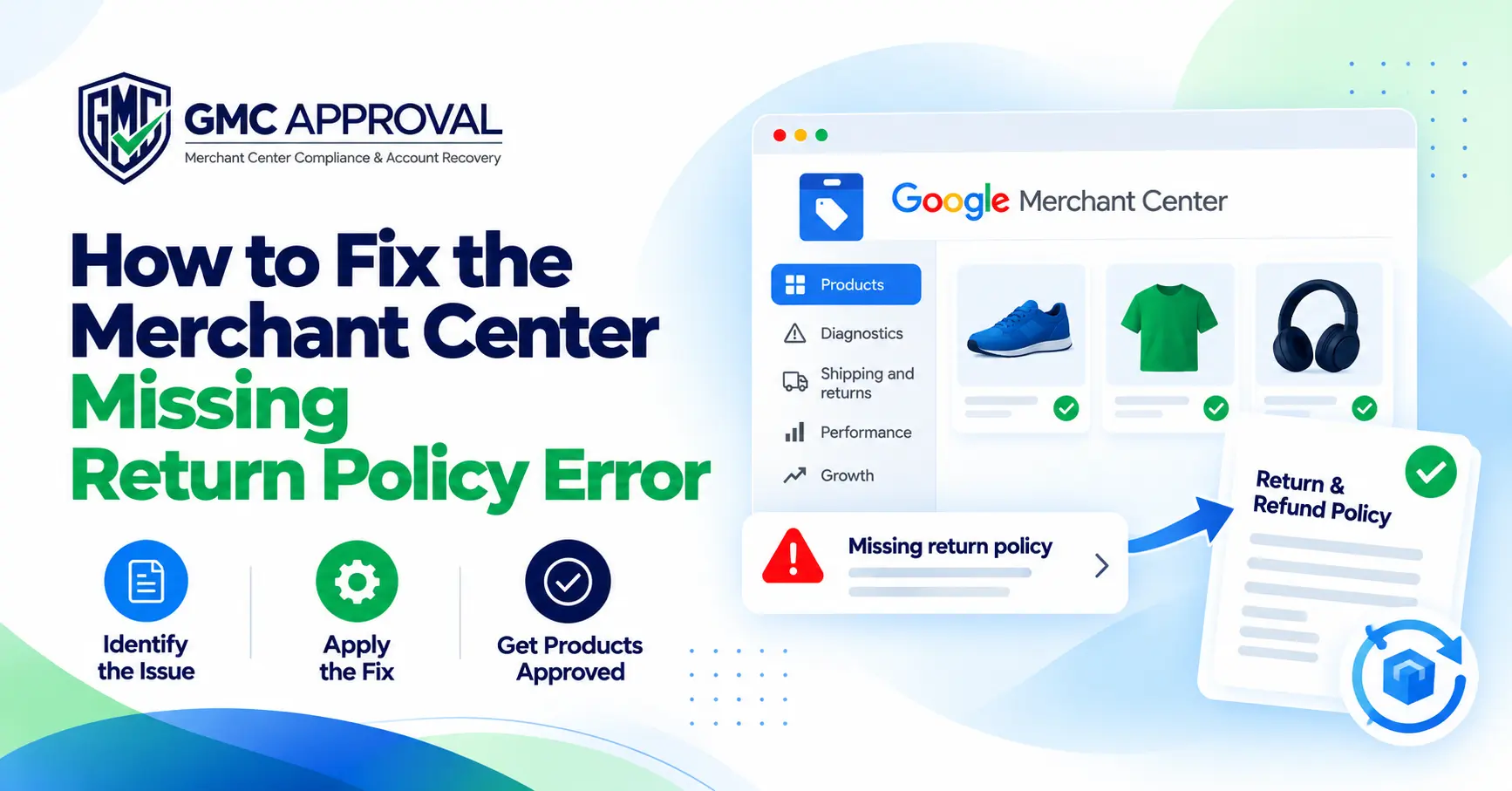
How to Fix the Merchant Center Missing Return Policy Error
A Merchant Center missing return policy error means Google cannot find a clear return and refund policy on your website, or cannot match your products to a return policy set up in your account.
The correct fix depends on the exact error message and where you see it. The same phrase can refer to several different problems, and each one may need to be fixed in a different place.
This guide explains the four common return policy errors, what they mean, and how to fix each one.
Key Takeaways
Read the exact error message first. The fix depends on it.
Your website return policy and Merchant Center return settings are separate requirements.
Both should clearly explain your return and refund terms.
Return policy labels must match your feed exactly.
Recheck the Needs attention page after making changes. Updates may take some time to appear.
Which Merchant Center Return Policy Error Do You Have?
There are four common versions of the error:
1. Missing return and refund policy
Google found no clear return and refund policy on your website.
Where to fix it: Your website.
2. No return policy in your account
Merchant Center does not have a return policy configured.
Where to fix it: Merchant Center settings.
3. Invalid return policy label
A product's feed label does not match a return policy in your Merchant Center account.
Where to fix it: Merchant Center and your product feed.
4. Invalid return window
A return policy in your account does not meet Google's minimum guidelines.
Where to fix it: Merchant Center.
The missing return and refund policy issue is an account-level website problem and can lead to an account being disapproved or pending disapproval. The other issues generally affect specific products.
Fix 1: Missing Return and Refund Policy on Your Website
The first step is to publish a clear return and refund policy on your website, make it easy to find, and keep its wording consistent everywhere.
Make the Policy Easy to Find
Link your return policy from the footer of every page.
It is also better to give the policy its own page with a simple URL such as /returns, rather than hiding it inside a long terms and conditions page.
Test the policy like a new customer would. Open the page on a phone and in a private browser window. It should load without requiring a login.
Clearly State Your Return Terms
Your return policy should explain:
The return window
Return eligibility
Product condition requirements
Acceptable reasons for returns
How customers start a return
Return shipping responsibility
How refunds are issued
How long refunds take
Any non-returnable products
Exchange terms, if applicable
For example, instead of saying:
“We accept returns on most items. Contact us to arrange a return.”
Use specific information that tells customers what to do and what to expect.
For example:
“You can return unused items in their original packaging within 30 days of delivery. Email us your order number to receive a return address. Refunds go to your original payment method within 7 business days of us receiving the item.”
The example terms above are only an illustration. Your policy should use the terms that actually apply to your business.
Keep Your Policy Consistent Everywhere
Your footer, returns page, banners, product pages, and checkout information should not contradict each other.
For example, if a banner says “free returns” but your returns page says the customer pays return shipping, you have created a policy mismatch.
The policy should also be written in the same language as the rest of your website.
If You Do Not Accept Returns
State that clearly on your website.
Consumer protection rules can differ depending on the country or state where you sell, so make sure your policy follows the requirements that apply to your business.
A Real Example: A Store With No Return Period
One ecommerce store had a returns page, but it did not state how many days customers had to return products.
Merchant Center flagged the store because there was no clear return window.
The website policy was updated to include:
Return eligibility
A 30-day return window from delivery
Product condition requirements
Proof of purchase or order number
Non-returnable items
The return process
Return shipping costs
Exchanges
Lost return shipments
Applicable statutory withdrawal rights
The same return terms were then entered into Merchant Center.
The important lesson is that the website and Merchant Center should communicate the same return rules.
Fix 2: No Return Policy in Merchant Center Settings
If your website already has a clear return policy but Merchant Center has no policy configured, create a return policy in Merchant Center.
Go to:
Shipping and returns → Return policies
Then:
Create or edit your default return policy.
Add your return window.
Add return fees and other requested details.
Make sure the settings match your website.
Save the policy.
Recheck the Needs attention page.
Menu names can vary by Merchant Center version and region. Some accounts may show “Delivery and returns” instead.
Set Up a Default Policy
Your default return policy acts as a safety net for products that do not have a matching custom return policy label.
It should match the terms published on your website.
Customer Return Fees
When setting customer return fees, select the reasons that make the customer responsible for return costs.
For example, these may include:
Does not fit
Ordered the wrong item
Keep these settings consistent with the return shipping section of your website policy.
Fix 3: Invalid Return Policy Label
An invalid return policy label usually means that the return_policy_label value in your product feed does not match a policy label in Merchant Center.
For example:
Feed label:
custom_itemsMerchant Center label:
custom-items
These are different labels, so the match fails.
How to Fix the Label
You have two options.
Option 1: Create the missing policy
Open:
Shipping and returns → Return policies
Then create a policy using the exact label shown in your feed.
Add the correct return window, return fees, and other required settings.
Option 2: Use the default policy
If you do not need a separate return policy, remove the custom label from those products so the default policy can apply.
Best Practice
Copy the label directly from Merchant Center instead of typing it manually.
Check:
Capitalization
Spacing
Underscores
Hyphens
Punctuation
Even one character difference can cause a mismatch.
Seasonal Return Policy Overrides
If your store offers longer return periods during holidays, use a seasonal override instead of changing your main return policy.
A seasonal override can apply the extended terms to products ordered during a specific date range and allow your regular policy to return automatically afterward.
Fix 4: Invalid Return Window
An invalid return window means the return policy in Merchant Center does not meet Google's minimum guidelines.
To fix it:
Open Shipping and returns.
Open Return policies.
Edit your existing policy or create a new one.
Update the return window and other terms so they meet the current requirements.
If you created a new policy, apply its label to the appropriate products.
Recheck the Needs attention page.
Avoid relying on an old article for minimum return requirements. Check the current Google guidance when reviewing the required return window.
Also remember that editing a policy can change every product using that policy. If only certain products need different terms, create a separate policy and use a separate label.
Example: A Made-to-Order Store
Imagine a store selling engraved wooden signs.
The store does not accept change-of-mind returns for engraved products, but it replaces or refunds products that are damaged, defective, or engraved incorrectly.
A clean setup would look like this:
Website:
A returns page clearly explains the terms for engraved products.
Default Merchant Center policy:
The standard return terms for ordinary products.
Additional policy:
A custom policy such as custom_items for engraved products.
Feed:
The custom_items label is applied only to the relevant products and is spelled exactly the same way as the Merchant Center label.
This keeps the website, Merchant Center, and product feed aligned.
Common Merchant Center Return Policy Mistakes
Fixing only one side
The website and Merchant Center are separate requirements. Both need to be correct.
Creating contradictory information
A “free returns” banner should not contradict a customer-pays return policy.
Retyping policy labels
A single character difference can break the match.
Leaving return fee reasons unclear
If customer return fee reasons are not specified correctly, you may become responsible for return costs.
Hiding the return policy
A broken footer link or login requirement can prevent Google and customers from easily accessing the policy.
Skipping refund details
A return policy should explain the refund process, not only the return process.
Merchant Center Return Policy Checklist
Before rechecking the issue, make sure:
Your return policy is linked from the footer on every page.
The policy states the return window.
Return conditions are clearly explained.
The return process is clear.
The refund process is clear.
Return shipping responsibility is stated.
Banners, product pages, and checkout agree with the policy.
A default return policy exists in Merchant Center.
The Merchant Center policy matches the website.
Feed labels match Merchant Center labels exactly.
You have rechecked the Needs attention page.
Final Thoughts
Start by checking the exact Merchant Center error message because the correct fix depends on the issue.
Website problems should be fixed on your website. Return policy label problems should be fixed in your feed and Merchant Center. Invalid return window issues should be addressed in your policy settings.
The main principle is simple: clearly state your return and refund terms on your website, enter the same terms in Merchant Center, and keep everything aligned.
Frequently asked questions
Why does Merchant Center say my return policy is missing when I have one?
Google may not be able to find it, or may not find it clear. Make sure the policy is linked
from the footer, loads without a login, and states the return window, return process, and
refund terms. Also confirm it uses the same language as the rest of your site.
Do I need a return policy in Merchant Center and on my website?
Yes. Google treats them as two separate requirements, and they should match.
What happens if I don’t set customer return fee reasons?
Google states that you’re responsible for the return cost if you specify no reasons, or if a
customer’s reason isn’t on your list.
Can I use more than one return policy?
Yes. Create additional policies with their own labels, then apply each label to the right
products using the return_policy_label attribute. Products without a matching label use
your default policy.
How long until the error goes away?
Google says changes may take some time to show on the Needs attention page. It doesn’t
publish a fixed time.
Can a missing return policy lead to suspension?
The missing return and refund policy issue can lead to a disapproved account or one
pending disapproval, according to Google’s documentation, so fix it promptly. Label and
window errors usually affect specific products.
Need help with your Merchant Center account?
Send us your case and we will tell you the cause and the fastest fix.